Skip to content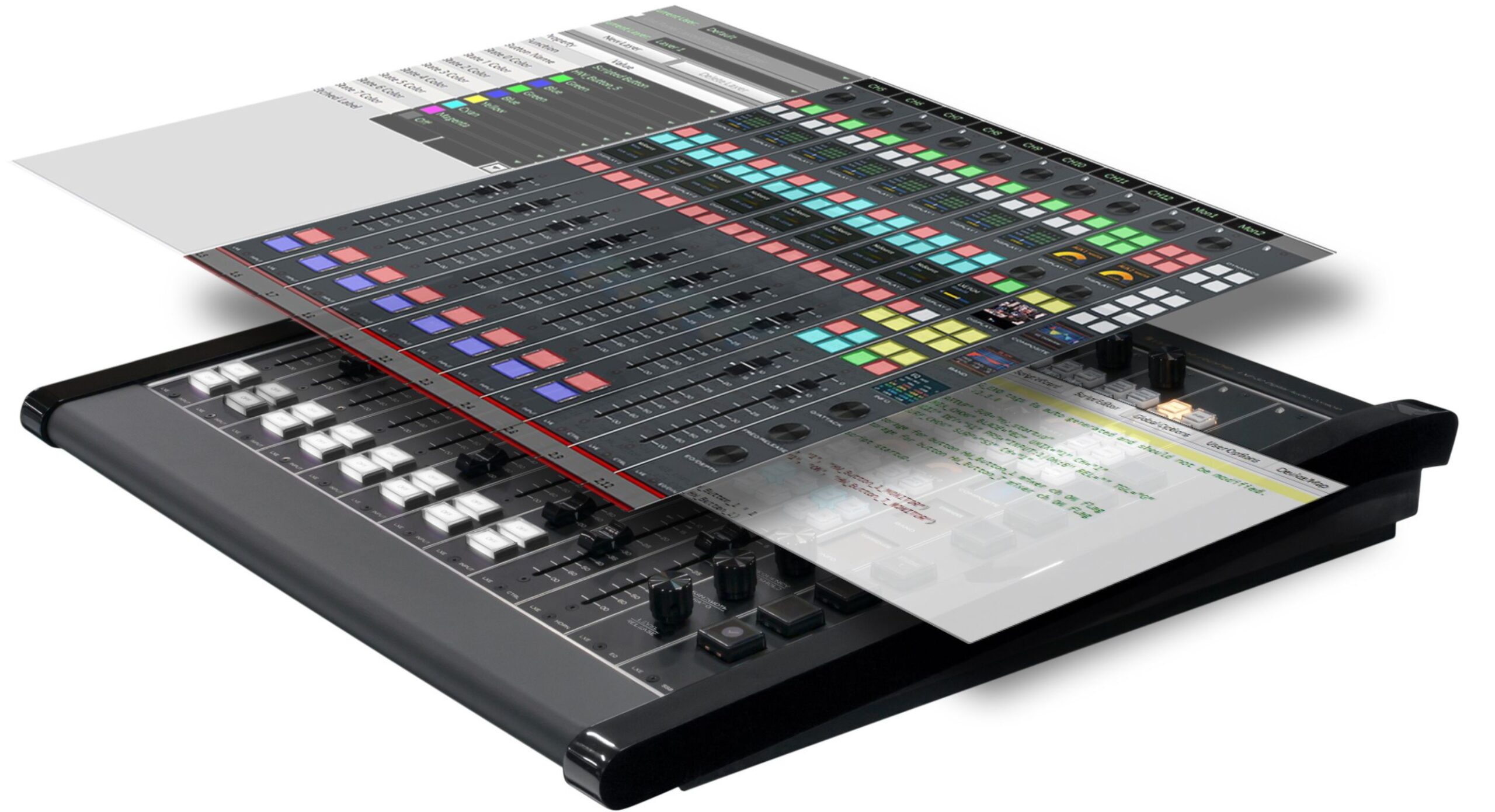
Let’s start with the surface controls. All the buttons, faders, encoders, and OLED screens on the LXE or GSX IP audio console can be assigned any number of functions using a simple console setup GUI.

Shown, the Surface Setup GUI for the LXE console. Setting up salvos, toggling between functions, and creating events are as simple as selecting the desired hardware, tally, fader, or encoder and clicking on the option from the Script Wizard menu. Note: The LXE console comes standard with control mapping and custom scripting, and GSX is available with those options.
Instead of mapping physical switches, buttons and knobs to a particular function on the console that can never be changed, you can program any physical button anywhere on the LXE or GSX console for talkback, cue, start/stop or for toggling between functions—any or all of which can be tied to microphones and other elements on the network.
For example, you can set up a button on the LXE console to fire a salvo for rerouting audio as well as change the state of logic pins on an I/O Blade in the WheatNet IP audio network, plus change the console button to a different color when that logic pin is in the activated state.
Moreover, each OLED display on the console can be configured independently to show different data sets for source, program, and/or mix assignments and can be further customized with your own text and graphic displays. That’s a lot of options in the case of LXE, which has two OLED displays for each input module and two or more for monitor modules.
On the AoIP side, we have a similar GUI for building screens for monitoring, routing, and controlling events and elements across the WheatNet IP audio network. We call it ScreenBuilder and together with console soft controls, you have a whole lot more options.
Let’s say you have five stations in a location and there’s one person in the facility for overnights who monitors all five stations. From one control room, they could call up a screen to see the status of all five stations at once and swipe through a menu to monitor audio from those stations and get data from various points in the system. This can be done directly on any LXE or GSX console surface to free up your studio PC, which is no doubt already pulling triple duty as an Internet/edit/playback PC.
All console controls can be reconfigured at any time, which means you will run out of hard choices long before you run out of options.