Skip to content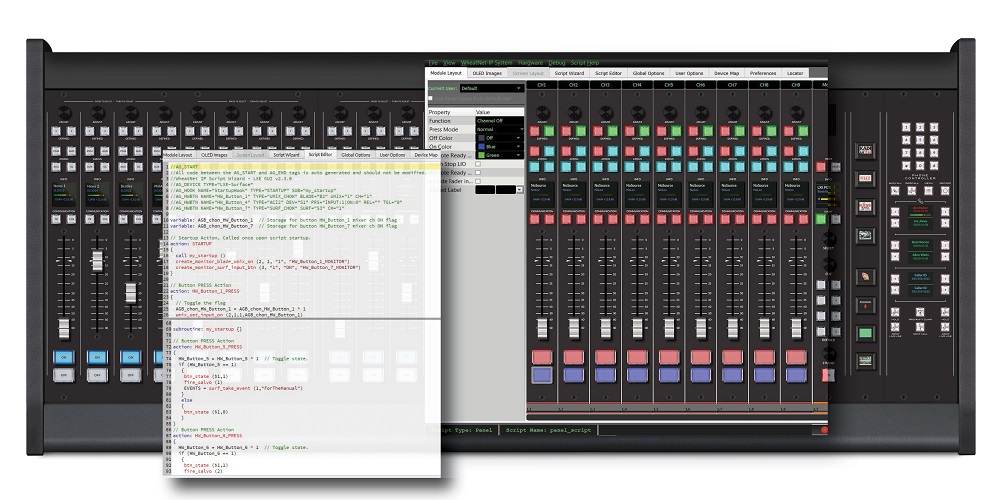
Script Wizard can be used to program buttons on our SS-8 control panels, TS-22 talent stations and consoles such as LXE, or any WheatNet IP audio console that has an OLED scriptable control module. You can use it to quickly create basic scripting routines for a variety of purposes. For example, by simply selecting a command to monitor a specific fader or route an input, the Script Wizard automatically generates the necessary background script.
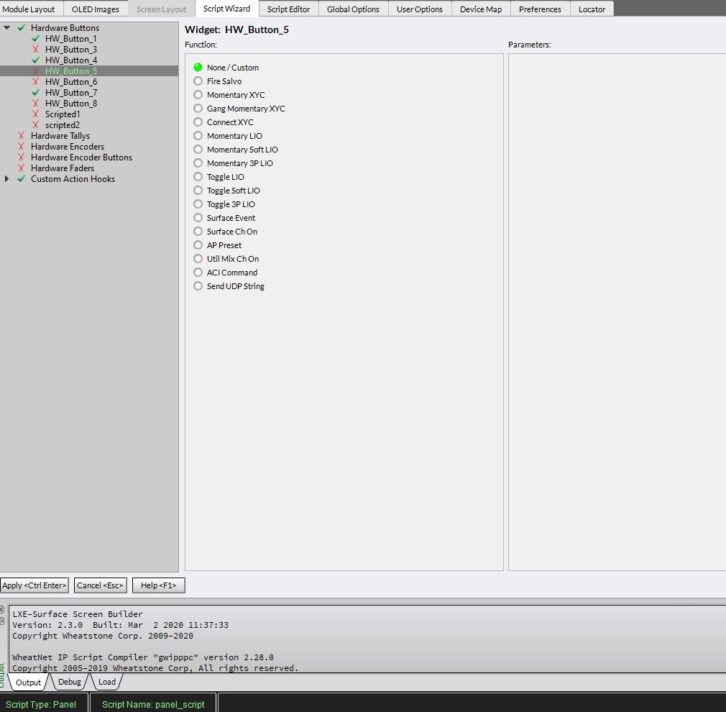 For a little more customization, you can cut-and-paste an existing script into a work area and make modifications. Starter scripts provide ready-made templates that can be copied, pasted, and manually modified with advanced Boolean commands for more complex tasks. For example, one CE we know was able to use an existing script to turn Blade utility mixers on or off from a control panel. But he needed a few more lines of code for audio ducking during a mid-show break in the live satellite feed, which cut away abruptly to silence and then came back on again – at full volume – following the station ID.
He modified the script slightly so that when his automation system gets the satellite closure, the system ducks the feed for a voice track. Thanks to a few scripted lines of code, he was able to solve that problem easily.
To get started on scripting, check out our Scripters Forum. You’ll find documents, starter scripts, and a whole Knowledge Base available to you for adding scripts to your WheatNet IP audio network.