
 Skip to content
The AoIP network is the load-bearing wall of the studio. Whether you go with one or two switches, a core switch with edge switches or a high-speed Cisco StackWise backplane will depend on the network load and the number of studios and endpoints it needs to support.

Single, Dual, Edge or Stacked?
For a mid to small market studio facility with, say, one or two on-air studios, a production studio, and with five or six I/O Blade units facilitating routing and control between them, a single Ethernet switch will work. We often suggest the Cisco 9200-24 switch because it has 24 access ports, enough for connecting several console engines, talent stations and I/O Blades to the switch. We suggest setting up the primary computer or server with a dual NIC, one for the AoIP and the other for the automation system. It’s a simple setup, and for mid to small market facilities or for those replacing an analog studio, it’s the least complicated.
We’ve installed hundreds of these simple networks and they work reliably for years and years. The downside is that a single switch is a single point of failure but even so, we’ve been able to find ways around that switch in an emergency. For example, we often output digital or analog audio from an I/O Blade directly into an STL or audio processor, and with silence detection in the WheatNet IP system, the switch is automatically bypassed in an emergency.
Edge Switches. Adding an edge switch or two will build in more redundancy and failover options. You can contain high-volume multicast traffic locally on one or two edge switches trunked directly to the core switch. One advantage of the distributed nature of the WheatNet IP audio network is its ability to independently operate on an isolated edge switch. If you have a studio hanging off an edge switch with all your local sources available and an output to a codec, RF transmission path or fiber link, you have everything you need in one isolated network for uninterrupted maintenance windows, emergency failovers or for exchanging isolated content with another studio location.
Redundant Core Switches. Adding a backup switch adds another layer of support. You could trunk the two core switches together and build the edge network off that. One of the nice things about this setup is you can half-load each of those core switches for a little extra redundancy. For example, if you have 20 network devices and two 24-port switches, you can equally distribute the load so ten devices are on one and ten devices are another. Should one of the switches fail, you can simply move the cables from one to the other and it is business as usual.
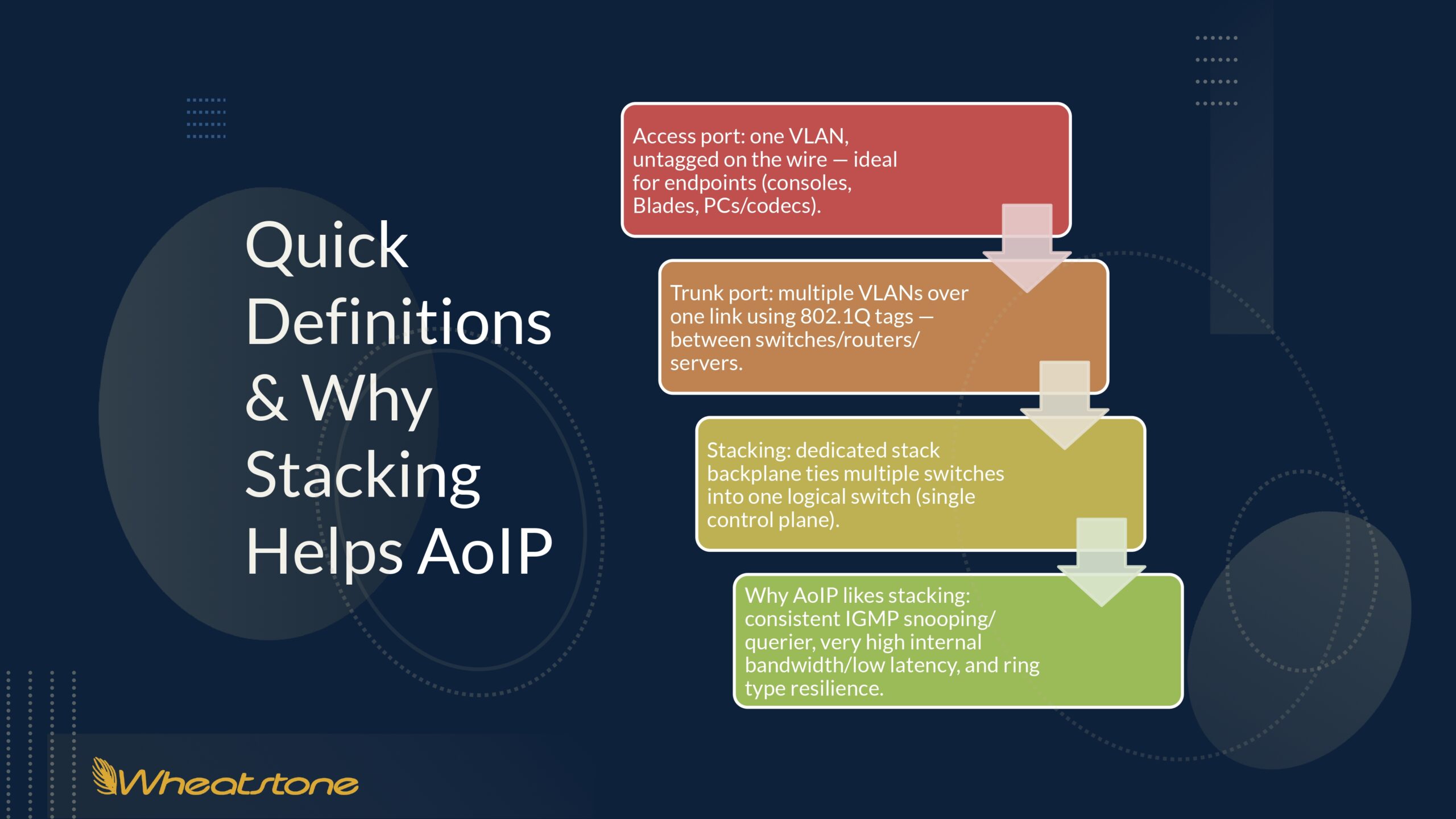
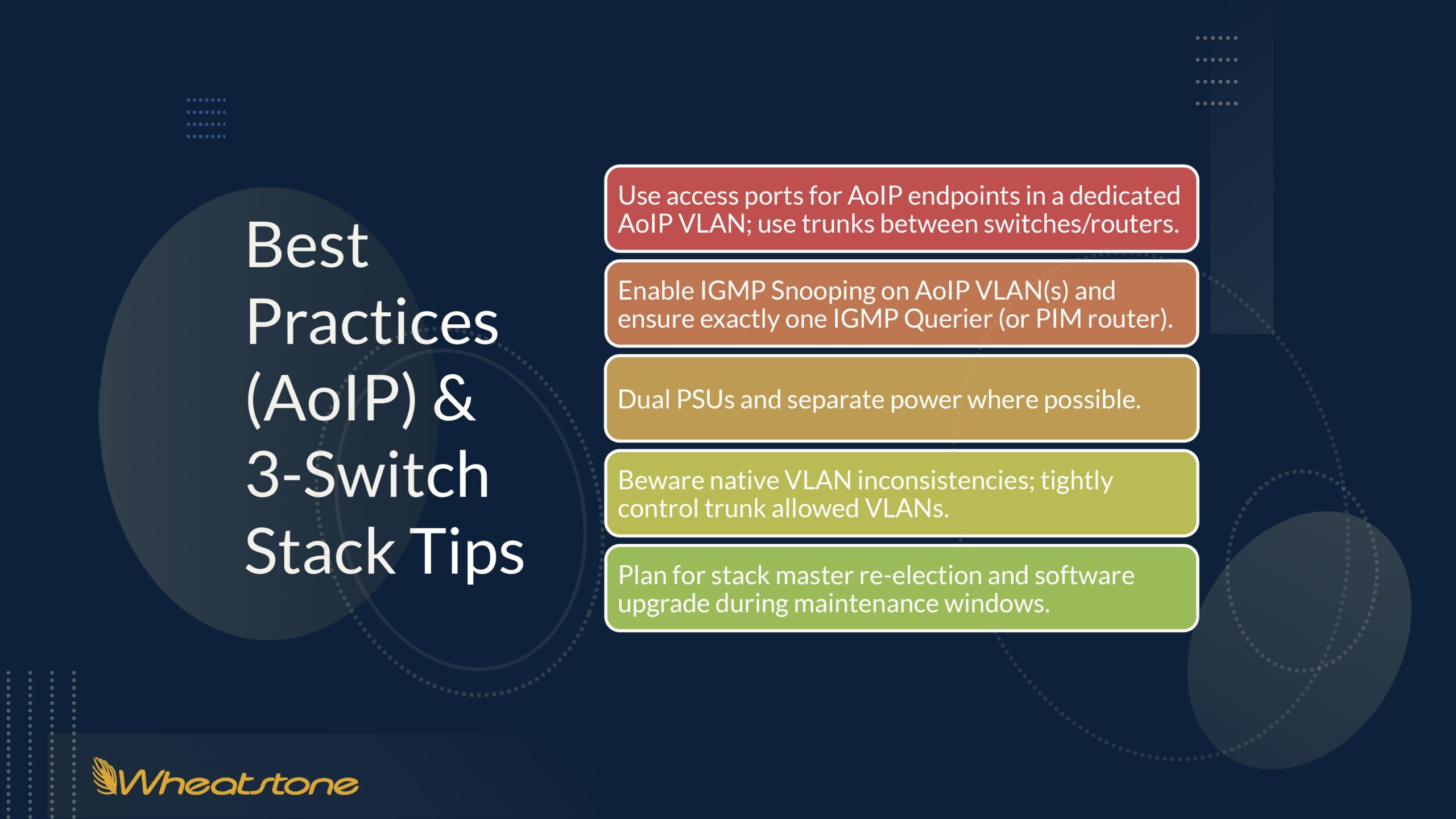
Stacking Switches. For larger AoIP systems with a hundred or more I/O Blades in a rack room, we often recommend a high-speed Cisco StackWise backplane. This is a Cisco technology that allows multiple physical switches to be linked together so they operate as a single logical unit. Instead of managing each switch individually, you manage the entire stack through a single IP address to create a high-bandwidth bidirectional ring (or daisy-chain) that allows switches to share routing and configuration information at ultra-high speeds. It’s the fastest routing option for moving large volumes of audio across the network and it is very scalable. If an active switch fails, the others in the stack take over instantaneously without dropping traffic. Stacking lends itself to consistent IGMP snooping/queries, very high internal bandwidth/low latency and ring type resilience. The vast majority of WheatNet IP audio networks currently running in large studio environments have three or more switches using StackWise technology.
Whatever topology you go with, we recommend choosing quality managed switches and to stick with that brand throughout your AoIP network. We work with a lot of Cisco switches because they tend to just work and require few updates over the life of the switch (read: fewer disruptions).
For larger installations with a very high port count and more complex routing, we’ve had great success with Arista switches. They’re pricier but have rich multicast features that make them a good choice for especially large AoIP systems or multipoint locations. Wheatstone maintains an actively updated list of tested and approved switches. Check out the Approved Ethernet Switches for WheatNet-IP guide on the Wheatstone Support Portal.
Keep in mind that AoIP networks multicast data, which has a whole different set of requirements than the typical unicast enterprise network. If not managed properly, multicasting can flood ports with audio packets that can overwhelm the network.
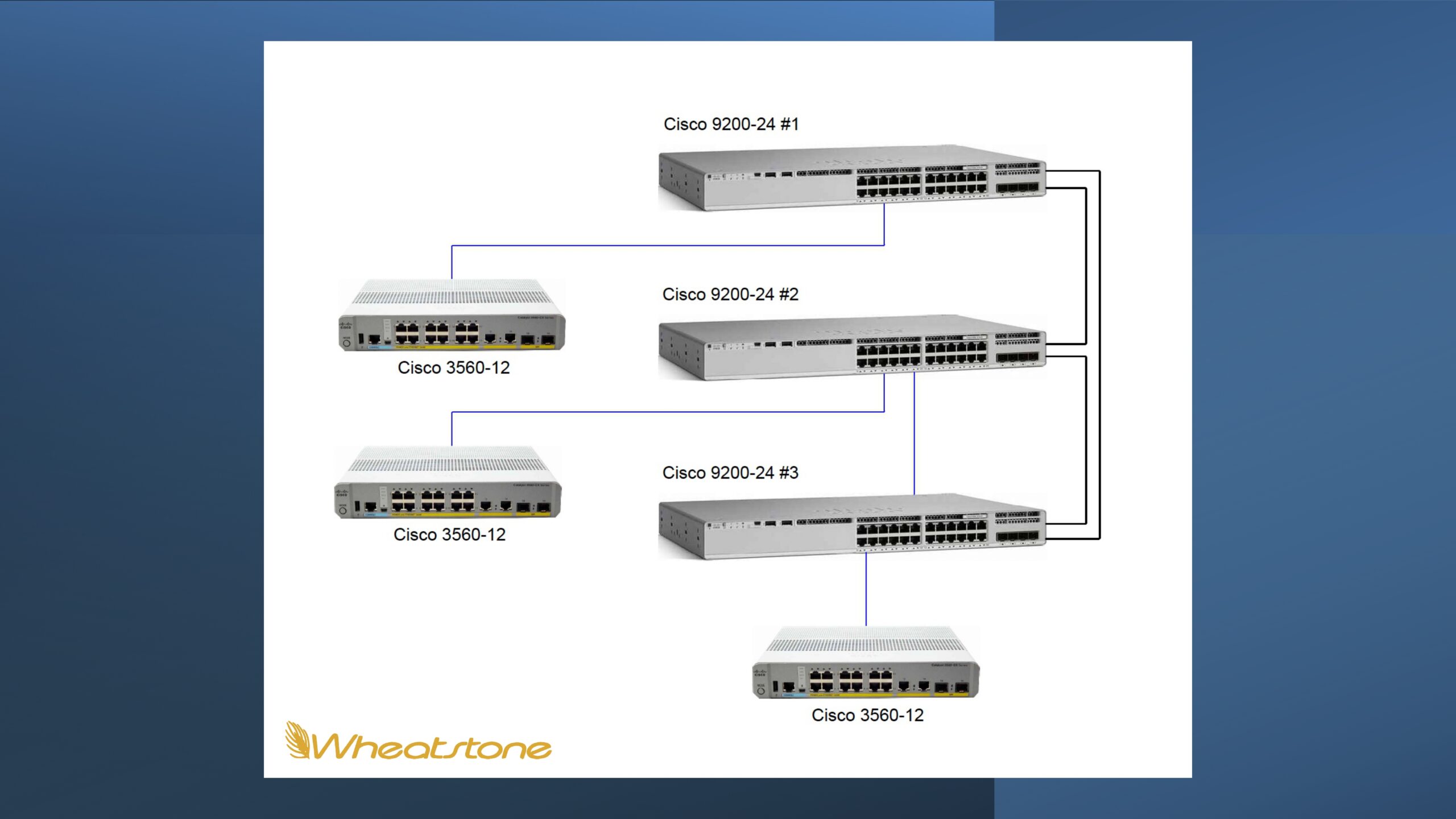
Many switches come already set up with unicast settings by default, and you’ll need to configure managed switches with IGMP parameters for multicasting to function correctly (here’s a quick read on What You Need to Know About Ethernet Switches). There are features unique to the WheatNet IP audio network that also help manage multicasting, such as continuously pruning unused source groupings to preserve switch capacity. AoIP has been a mainstream broadcast technology for more than two decades, so just about every WheatNet IP network configuration imaginable has been tried and tested and is likely to be running in one studio or another today.
Finally, as always, good AoIP networking practices begin with good planning. For a deeper understanding of how WheatNet IP I/O Blades, mix engines, and switches interact in a broadcast facility, read through the Wheatstone Studio Project Planning Guide.
Company
600 Industrial Dr.
New Bern, NC 28562 USA
Main office +1 (252) 638-7000
Fax main office +1 (252) 637-1285
We are open Monday through Friday,
8:30 AM to 8:30 PM EST