Skip to content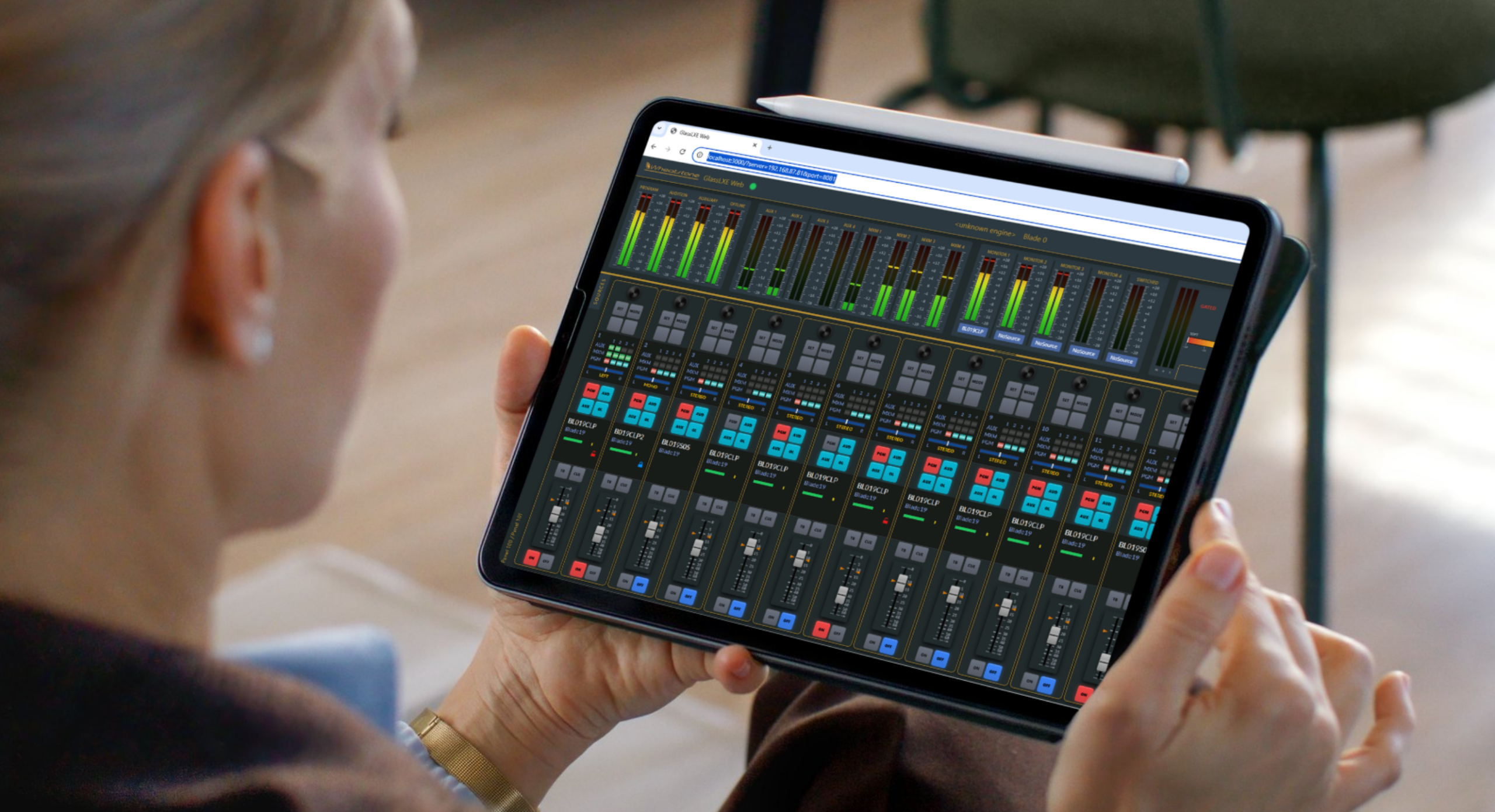
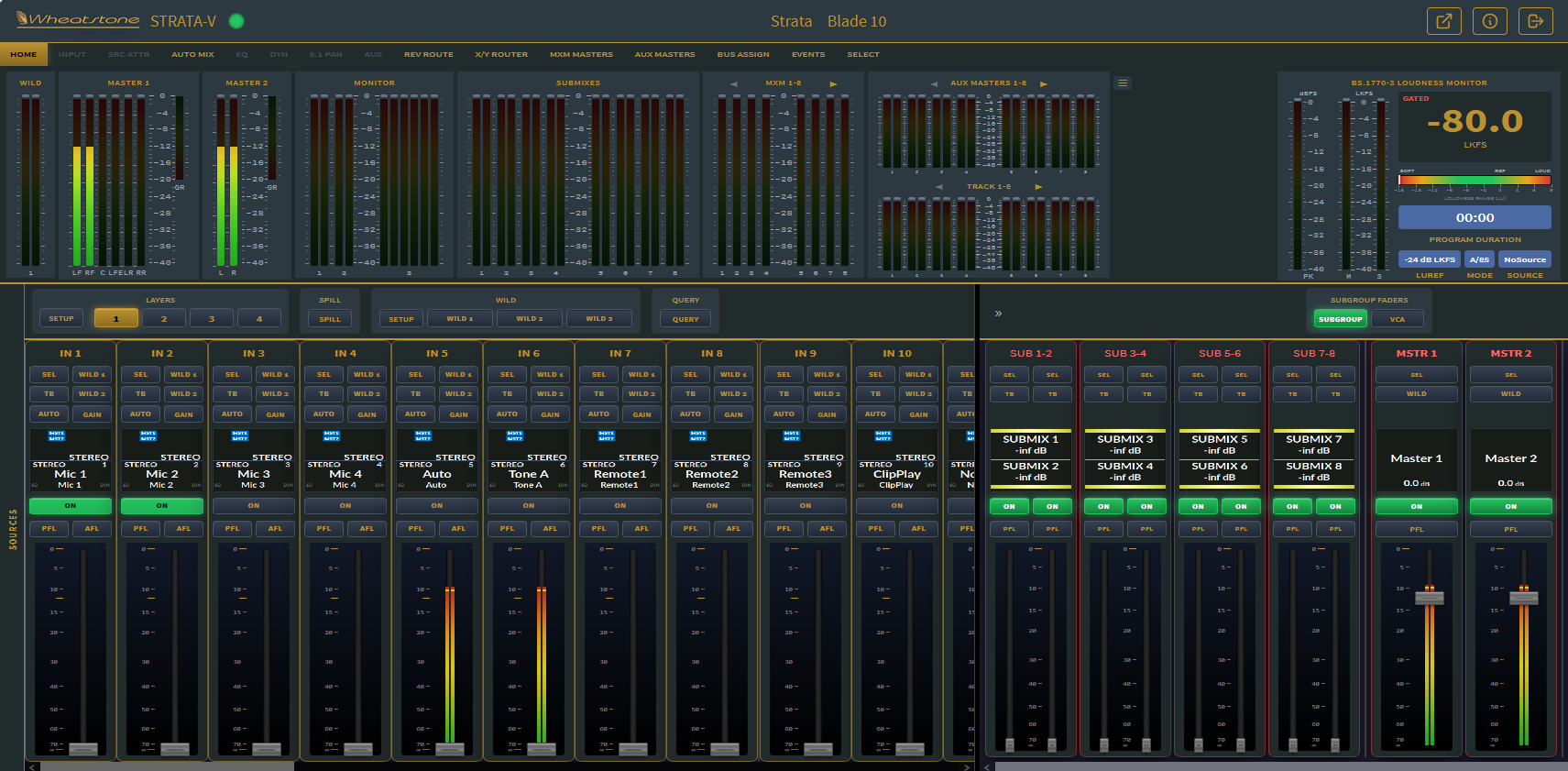 How we got here is simple economics. We started out with analog consoles but quickly moved into digital consoles because DSPs meant smaller, better, and more affordable. Eventually, AoIP control surfaces replaced digital boards for many of the same reasons. We kept the look, layout and tactile feel of the physical console, but put all the audio, dynamics and mixing in the rack – in our case, 1 RU Blade mix engines. In recent years we started adding glass consoles, or touchscreen interfaces for Blade mix engines as part of the WheatNet IP audio network.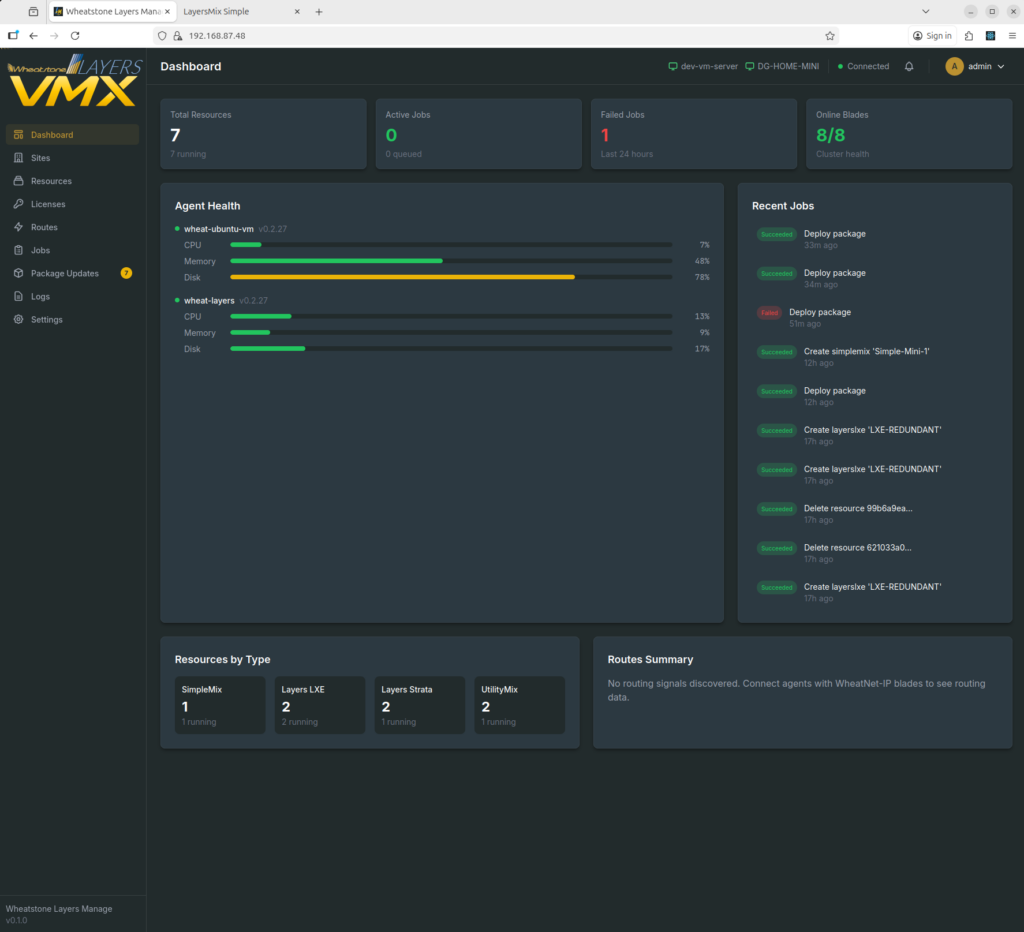
Now our new VMX virtual mixing platform takes us deep into the virtual world where your console can be on a recessed touchscreen in your studio or on your phone, tablet, laptop or any other device that has access to a web browser. And instead of AoIP mix engines sitting in a rack, mixing instances can be created when and where and how you need them, all done through the VMX virtual mix engine platform that can be deployed on just about any commercial server, PC-based unit, or dedicated Wheatstone appliance.
Once again, it’s all about affordability and scalability. VMX saves costs in hardware, not to mention saving the space, maintenance, and engineering support associated with that hardware. What’s more, you’ll never have to give redundancy or failover a second thought. VMX raises your redundancy quotient, adding to your operation backup mirroring synchronized in real-time for instantaneous failover in the event of a failure. And the best part is that the cost of entry is significantly less. Virtualizing the mixing chain with a VMX mixing platform and HTML5 consoles costs less than a new physical equivalent.
 And the benefits? Priceless. Scalability and easier access to mixing tools via a web browser are just a few of the benefits of a centralized platform that dynamically allocates shared mix engine resources across the network.
By now, you might be wondering if installing the VMX mix engine platform requires an IT enterprise degree. You’ll be glad to know that most of our development time was spent on ease of installation, which required a much smarter setup wizard than, say, a Docker management utility that would require our engineers to set it up for you. Simply click to install the application and log in to a web browser, and you’re done in minutes.
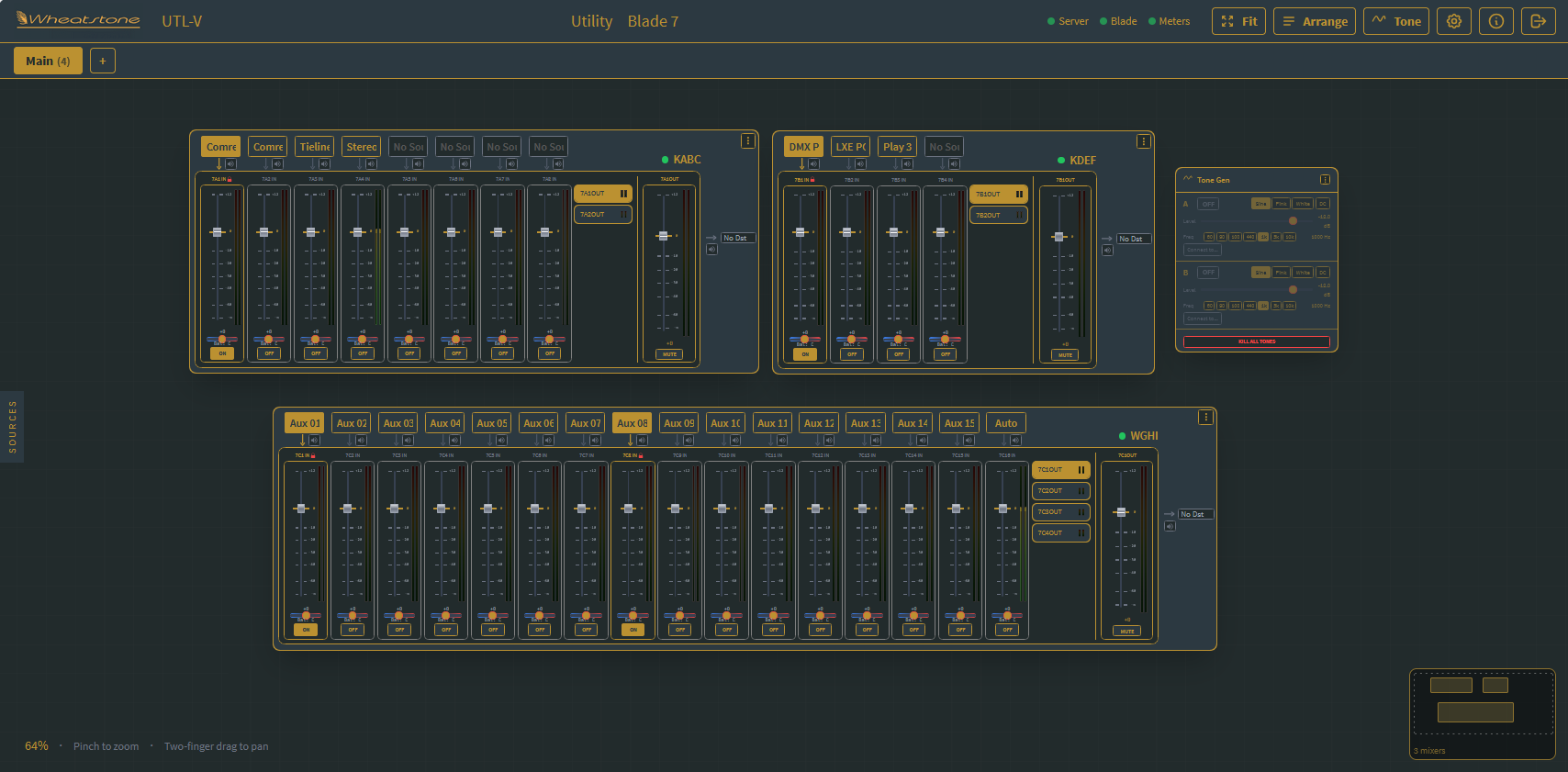
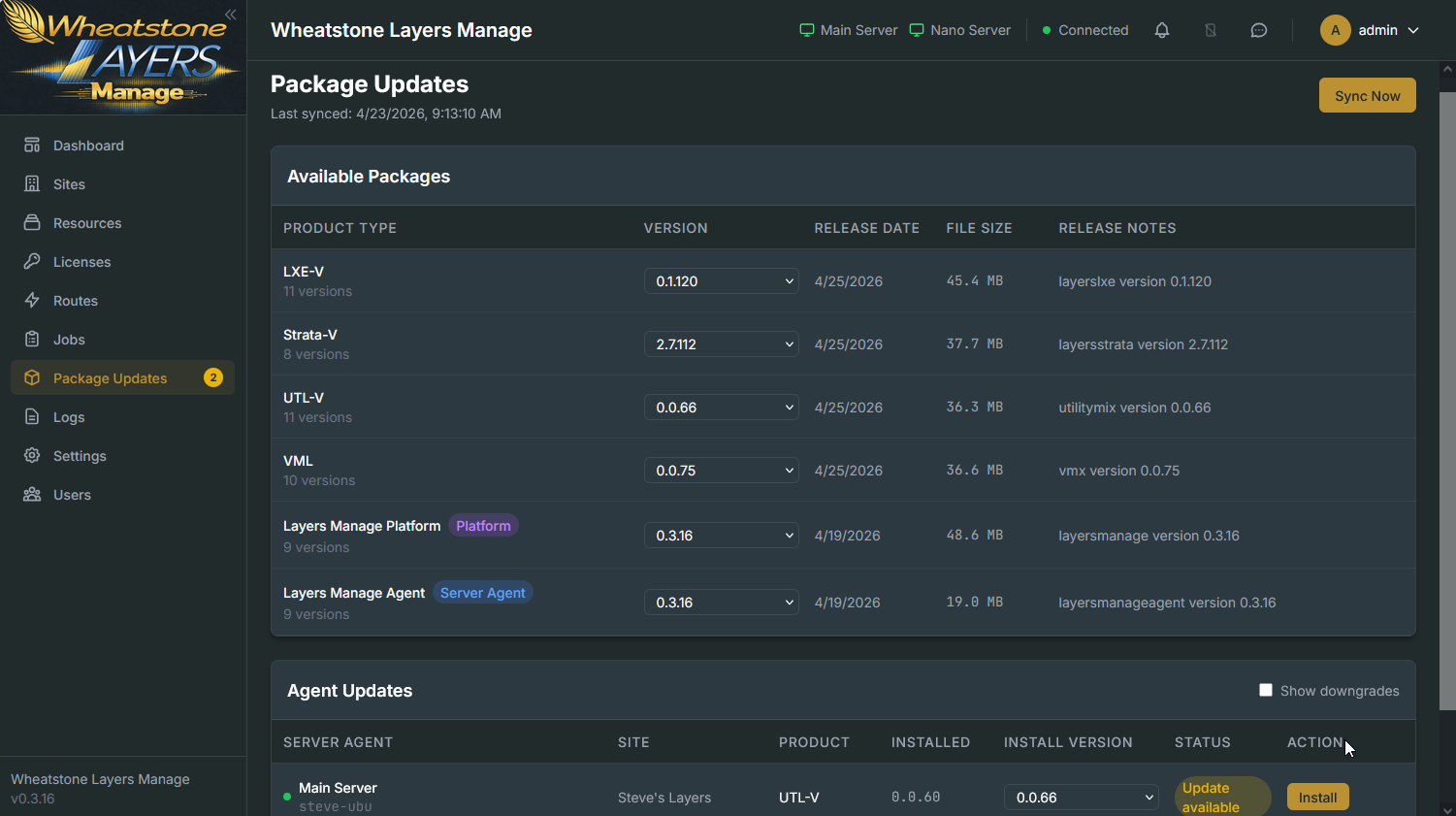 From there, it’s all managed through software. You can spin up virtual consoles by tile or type of mixer, whether it’s a simple mixing interface for your laptop or a full broadcast console for a television newsroom or a radio on-air studio. Instead of a fixed number of faders assigned by studio or device, you determine the number of faders needed, where and when you need them. You can add a “farm” of utility mixers that you configure for any number of useful purposes, from combining mics, codecs and phone sources to creating talkback or IFB feeds for a remote.
All virtual consoles are mere HTML5 tabs on a browser. Simply enter the URL in your Chrome or Safari browser, and up pops the virtual console on your phone, tablet, laptop, or recessed touchscreen in your studio. Mix in any studio or on your couch at home, all through a browser. Plus, with optional WebRTC licensing, you can easily monitor audio directly through your web browser and contribute mixes back into the system.
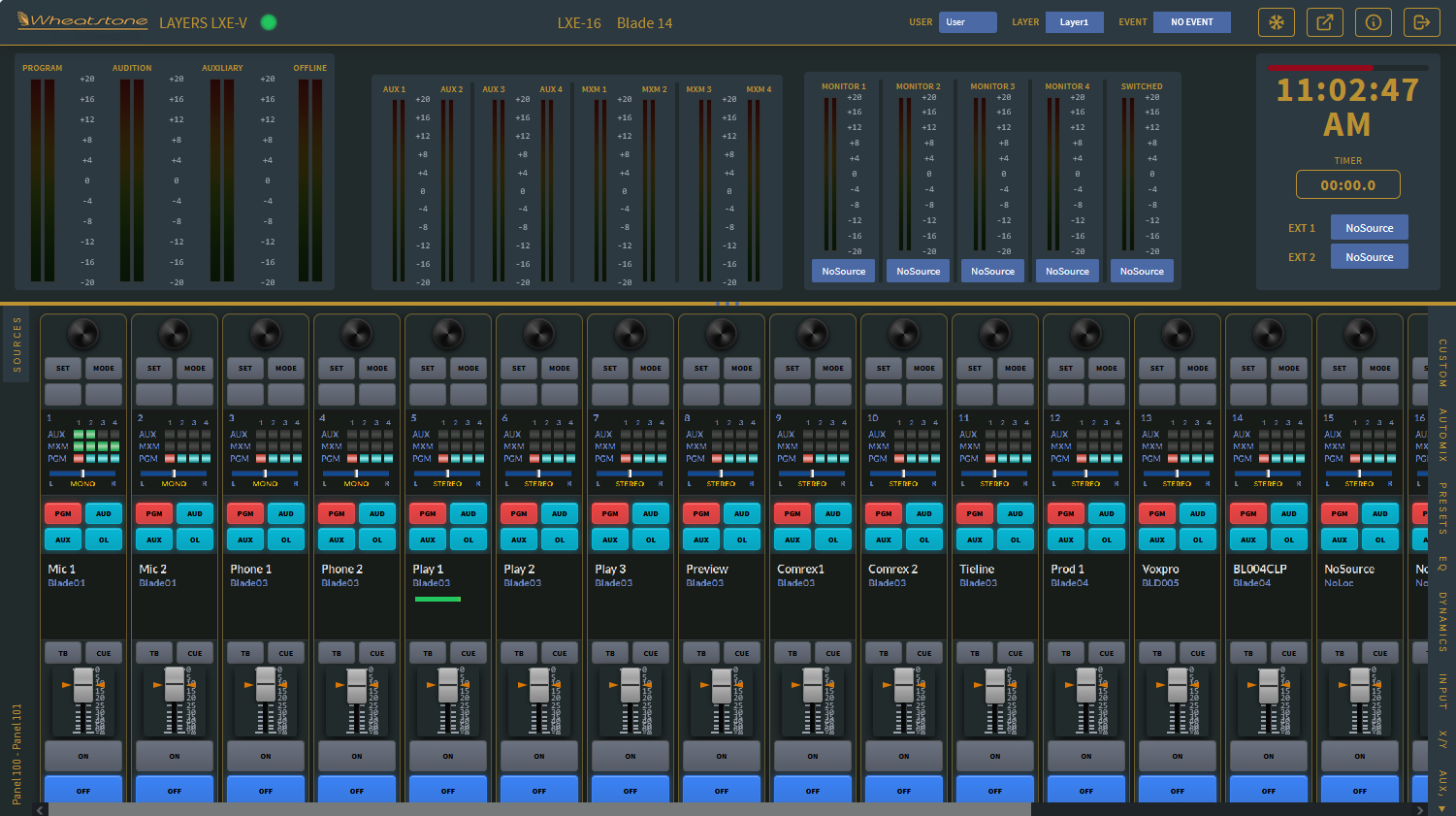 The VMX virtual mixing platform and HTML5 mixing tiles are part of our Layers software-based broadcast suite for virtualizing audio processing, mixing, and streaming as an extension of the WheatNet IP audio network.
We haven’t figured out how to put an entire mixing console on a smart watch yet, but who knows? That could be next.